Plans, usage & checkout
EHX separates Free from paid tiers (Team, Scale, Enterprise) with explicit quotas and live checkout quotes.
Compare plans
Start at Pricing:
- Plan cards with live list prices from
GET /api/v1/checkout/pricing(admin-managed base USD) - Promotional pricing when an active site-wide or plan-specific code exists — banner, strikethrough list price, and discounted amount on the cards
- Feature comparison table (free vs paid)
- Bundle mapping (which product lines each tier includes)
- FAQ at the bottom (networks, assets, promos, downgrade, where limits show)
Reference list prices (overridable by operators):
- Team: $950 payable in USDT or USDC
- Scale: $2,900 payable in USDT or USDC
When a promo is active (for example LAUNCH10 at 10% off), the pricing page shows the discounted USD and pre-fills checkout via ?promo=.
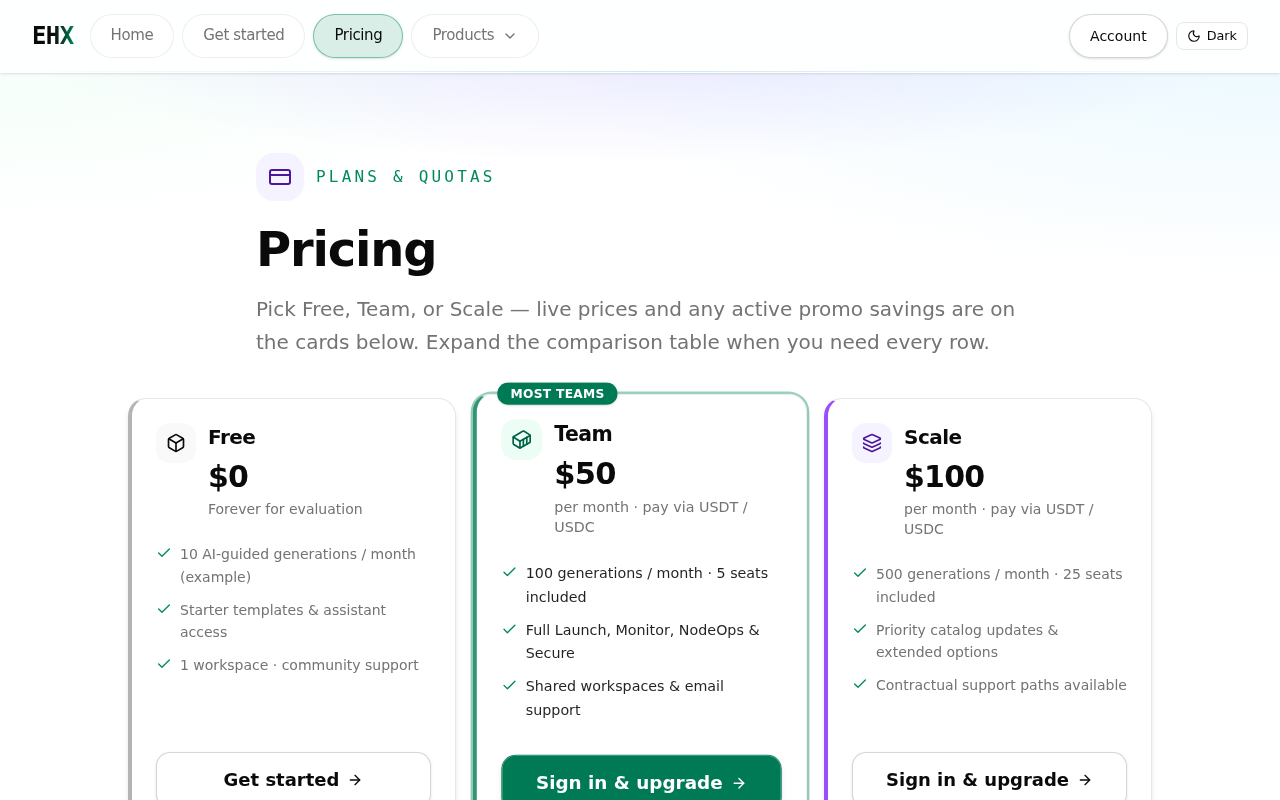
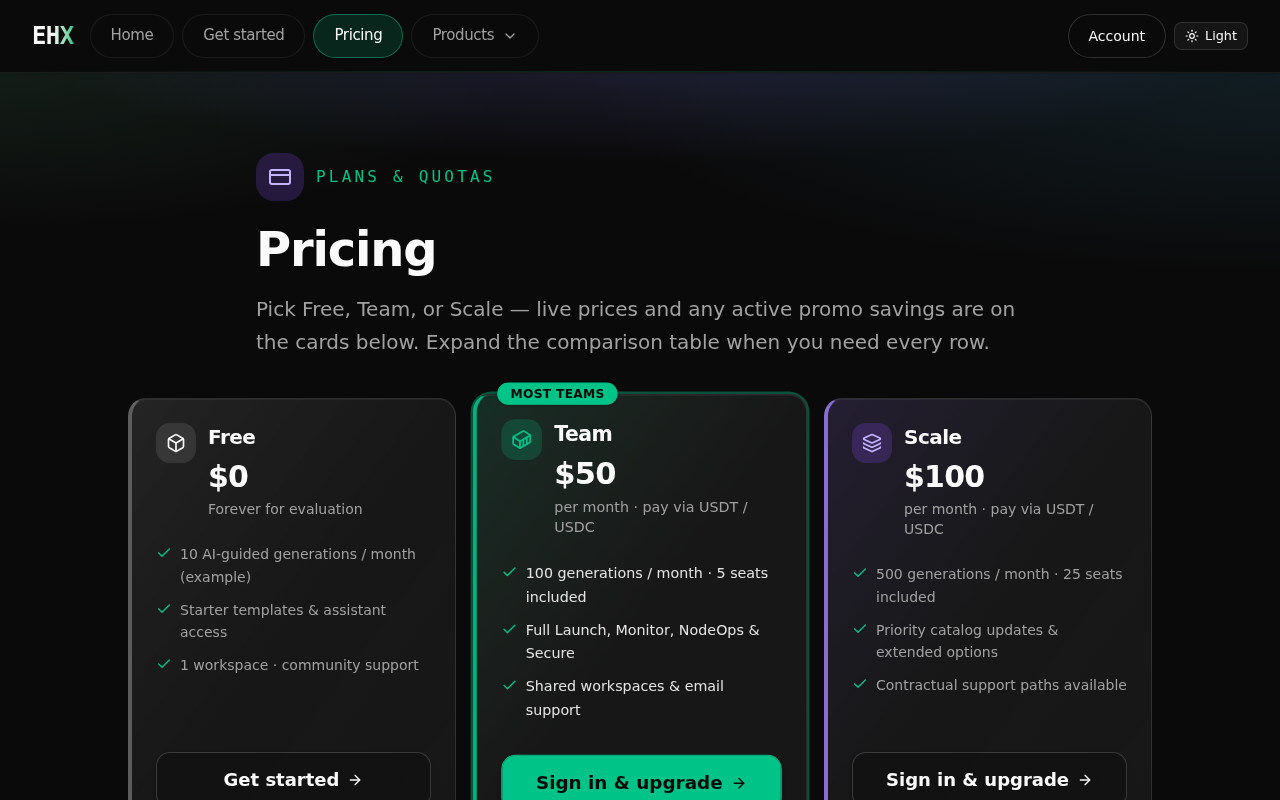
Live list prices and promo banners from the checkout pricing API.
Supported networks and assets
Production checkout supports mainnet only:
| Network | API chain value | Assets |
|---|---|---|
| Ethereum | ethereum | USDT, USDC |
| Base | base | USDT, USDC |
| Arbitrum One | arbitrum-one | USDT, USDC |
Not supported: Sepolia and other testnets, native ETH, and card billing.
Quotes treat USDT and USDC as 1:1 USD stablecoins. Always confirm the exact amount and network on Checkout before sending funds.
See your current plan
Plan & usage (sign-in required):
- Current tier (free, team, scale, enterprise)
- Quotas (labels, used vs limit when exposed)
- Renewal end date when applicable
- Checkout session reference when tier came from a confirmed checkout
The account dashboard at Account summarizes tier and links here.
Cryptocurrency checkout
Checkout is the self-serve crypto payment flow for Team and Scale upgrades.
Typical flow:
- Sign in — checkout requires an account session.
- Choose plan — Team or Scale (from pricing links,
?plan=, or?promo=query). - Enter promo (optional) — visible in step 1; discounted quote appears in step 2 after session create.
- Select chain & asset — Ethereum, Base, or Arbitrum One with USDT or USDC.
- Deposit — copy the shown deposit address (or HD-derived address per session).
- Confirm — optional transaction hash; the app verifies via public RPC (receipt + confirmations).
- Receipt — download a summary when the session confirms.
- Plan update — after confirmation, Plan & usage reflects the matched tier in the active account context.
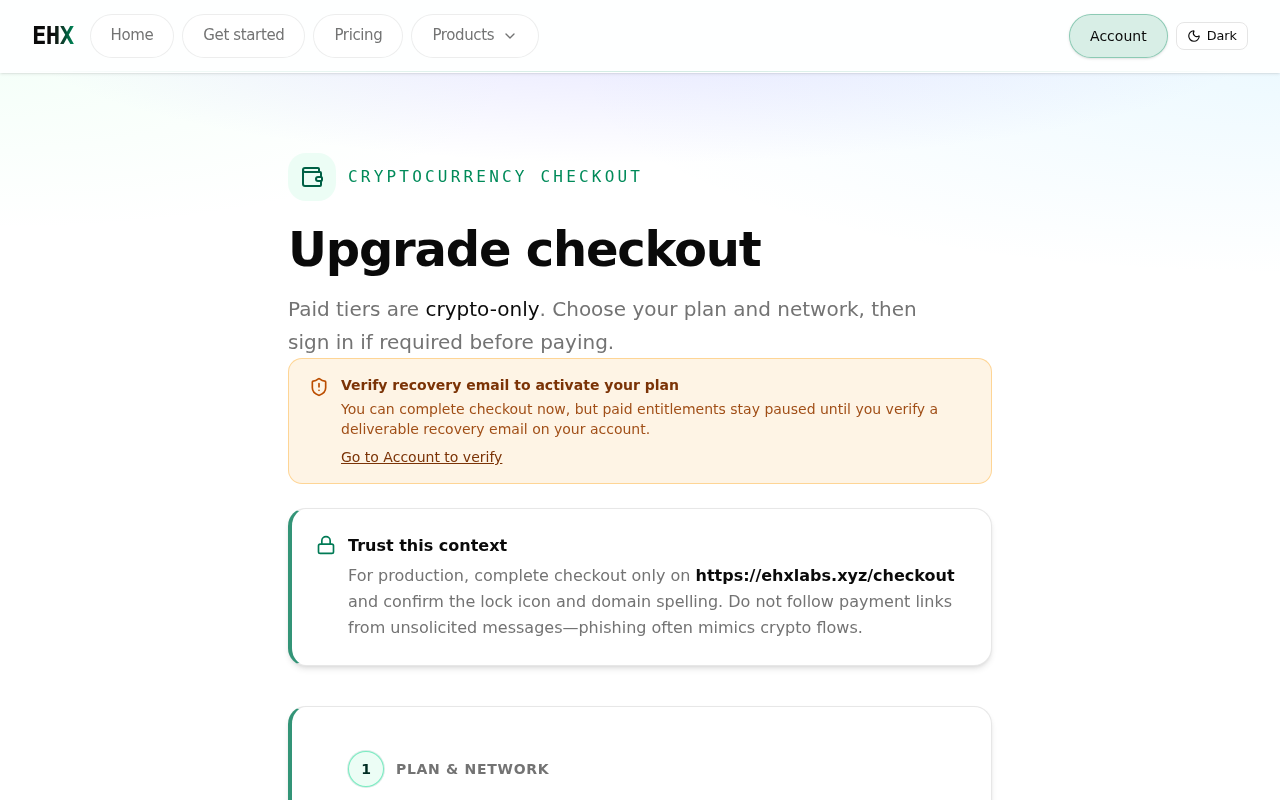
Step 1 — create a deposit session; promo codes validate when the session is created.
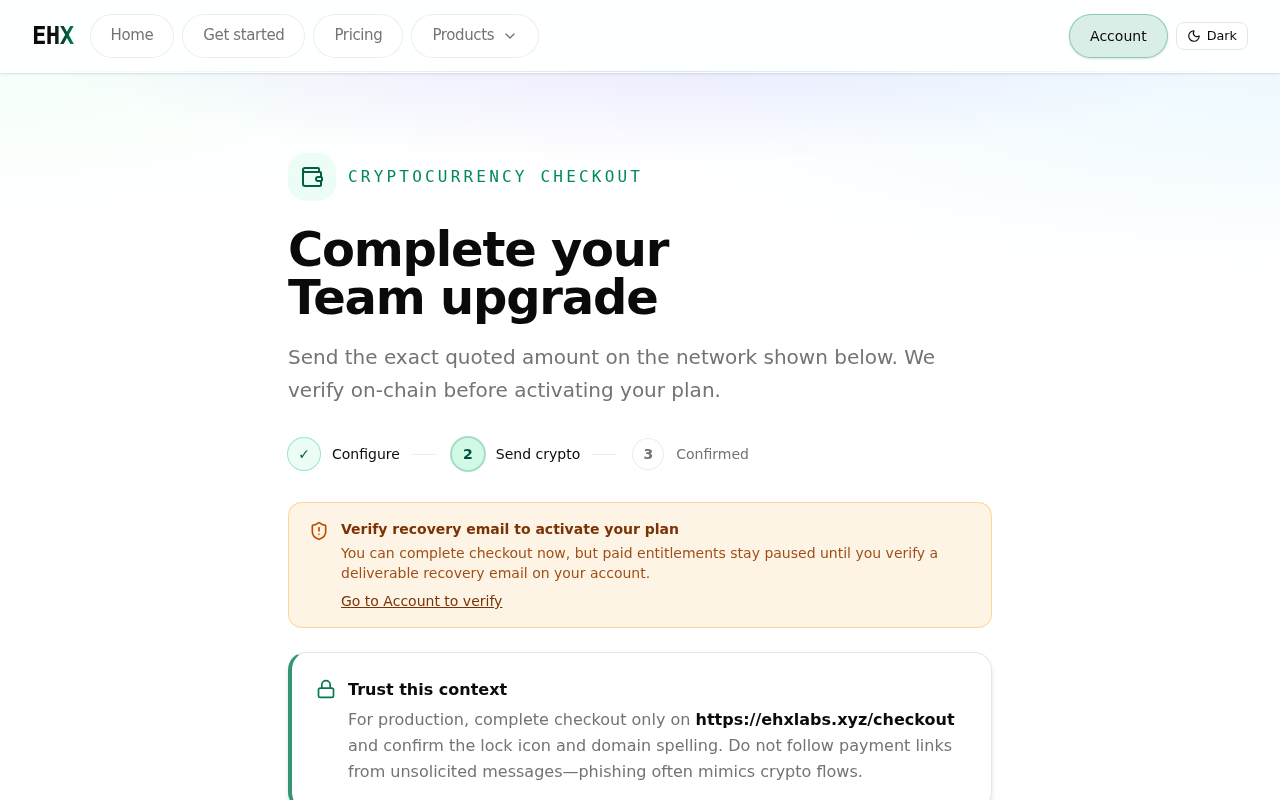
Step 2 — after session create, confirm the quoted amount and deposit address before sending funds.
Important
- Confirmed checkout should always be verified on Plan & usage after sign-in.
- Verified recovery email may be required before paid entitlements apply (see Account & auth).
- Wrong chain or token can be impossible to recover — match the session exactly.
Promotions
- Active codes may appear on Pricing as a featured banner and on plan cards.
- Pricing CTAs pass
?promo=into checkout when a code applies to that plan. - Promo validation happens at deposit session create; step 2 shows the discounted quote and code.
- Expired, exhausted, or inapplicable codes return a clear error at session create.
Privacy and analytics
First visit shows a cookie consent banner. Essential cookies (sign-in, quotas, theme) always run. Analytics (first-party visit events) is optional — see Privacy notice and Cookie policy. Reopen choices anytime from footer Cookie settings.
Invoices
Invoices lists invoice records as the billing UI matures. PDF download and automatic renewal are not available yet.
Downgrades and cancellations
When self-serve billing ships:
- Downgrade where possible from account/plan
- Wording will distinguish immediate loss vs end of renewal period
Until then, contact support paths listed on pricing/marketing for plan changes.
Enterprise private deployment
Not self-serve v1. Enterprise customers who need a single-tenant Compose or air-gap install work through sales/solutions — not /checkout.
- User guide: Enterprise private deployment
- Operator runbook: enterprise-private-deployment.md (GitHub)
- Pricing table: Enterprise column
Free tier limits
Free tier includes catalog browse and signed-in chat/generate with lower quotas than paid. Paid-only items (e.g. some NodeOps playbooks, full Secure analysis, team workspaces) are listed on the pricing page under free exclusions.
Related
- Troubleshooting & FAQ — stuck payments, plan not updating, promo errors
- Account & auth
- Chat & generate — quota consumption
- Pricing FAQ