Chat & generate
Two signed-in tools on ehxlabs.xyz work together: Deploy (chat) for guided questions and catalog bundles, Generate for variable-aware file output.
Deploy assistant (Chat)
URL: ehxlabs.xyz/chat
Typical deploy workflow
- Name or pick a project — required for new conversations.
- Pick your outcome — tap what you are building (Launch app, Helm chart, RPC node, Validator, LLM inference, or Full stack).
- Answer guided chips — intent-specific prompts (network, cloud, environment, chart name, exposure, and more). For Full stack, enable or skip Launch / NodeOps / Secure / Monitor layers.
- Review — confirm variables on the review card (Full stack shows layer readiness).
- Generate — full bundle on your tier, or a preview on Free when export is locked.
- Download ZIP — when apply-ready (validation passed + guided setup complete); includes
README-APPLY.mdwith ordered steps (and per-layer sections for Full stack).
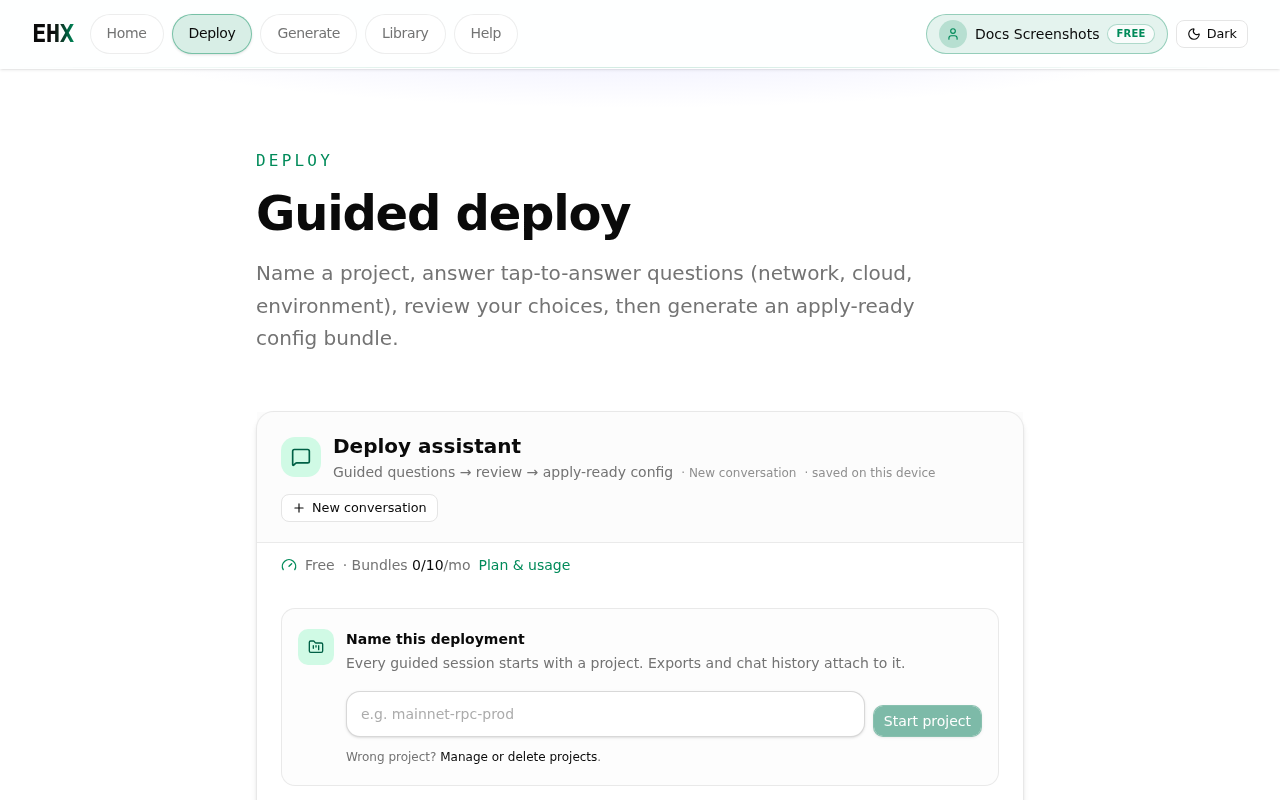
Project gate — every new conversation starts by naming or selecting a project.
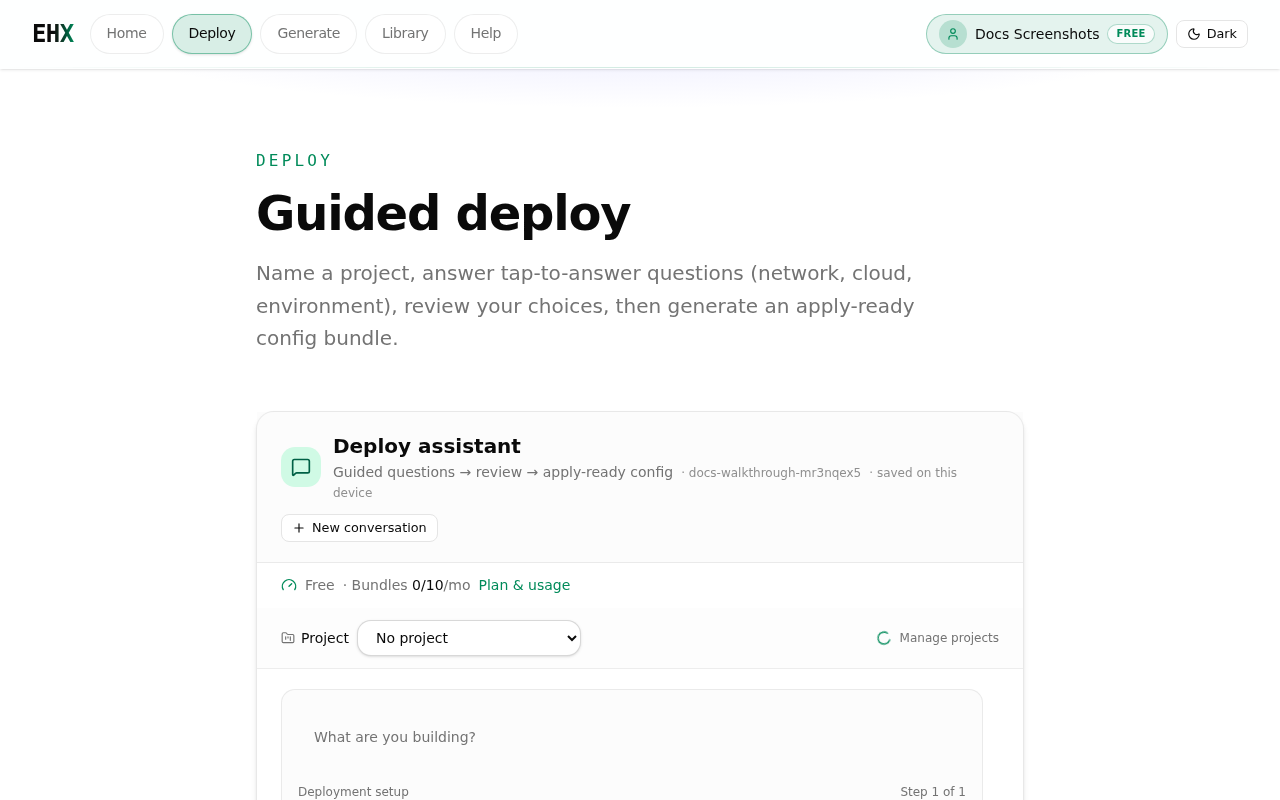
Outcome wizard — tap an outcome instead of typing a goal first.
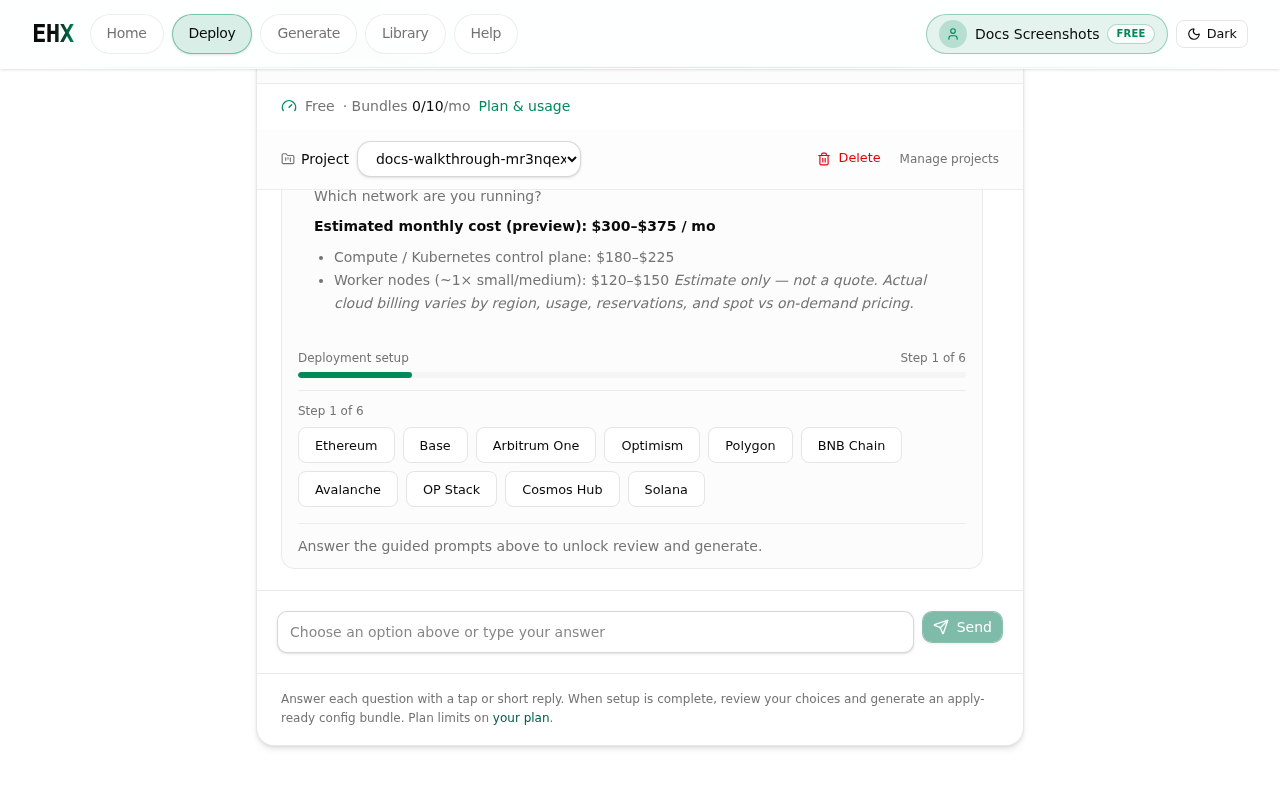
Slot wizard — answer with chips or short replies; step counter shows progress.
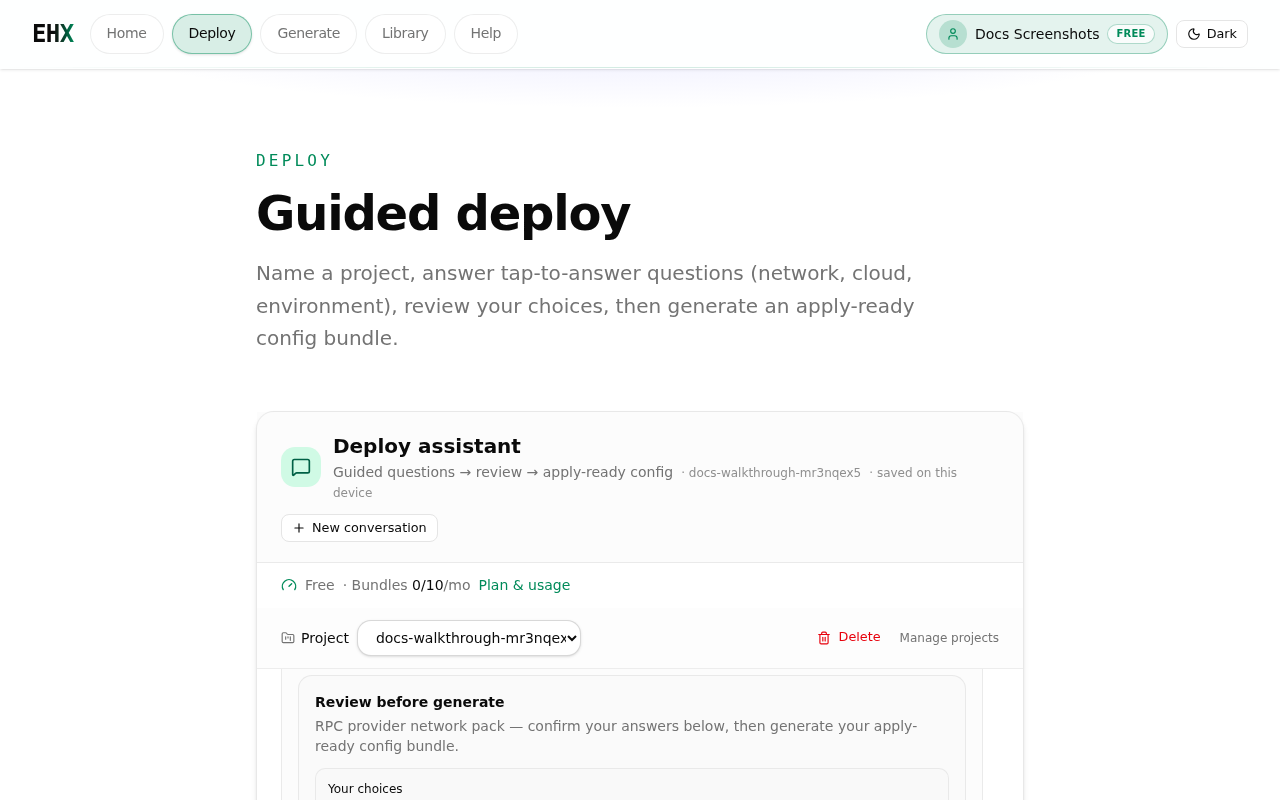
Review card — confirm variables, then generate your apply-ready bundle.
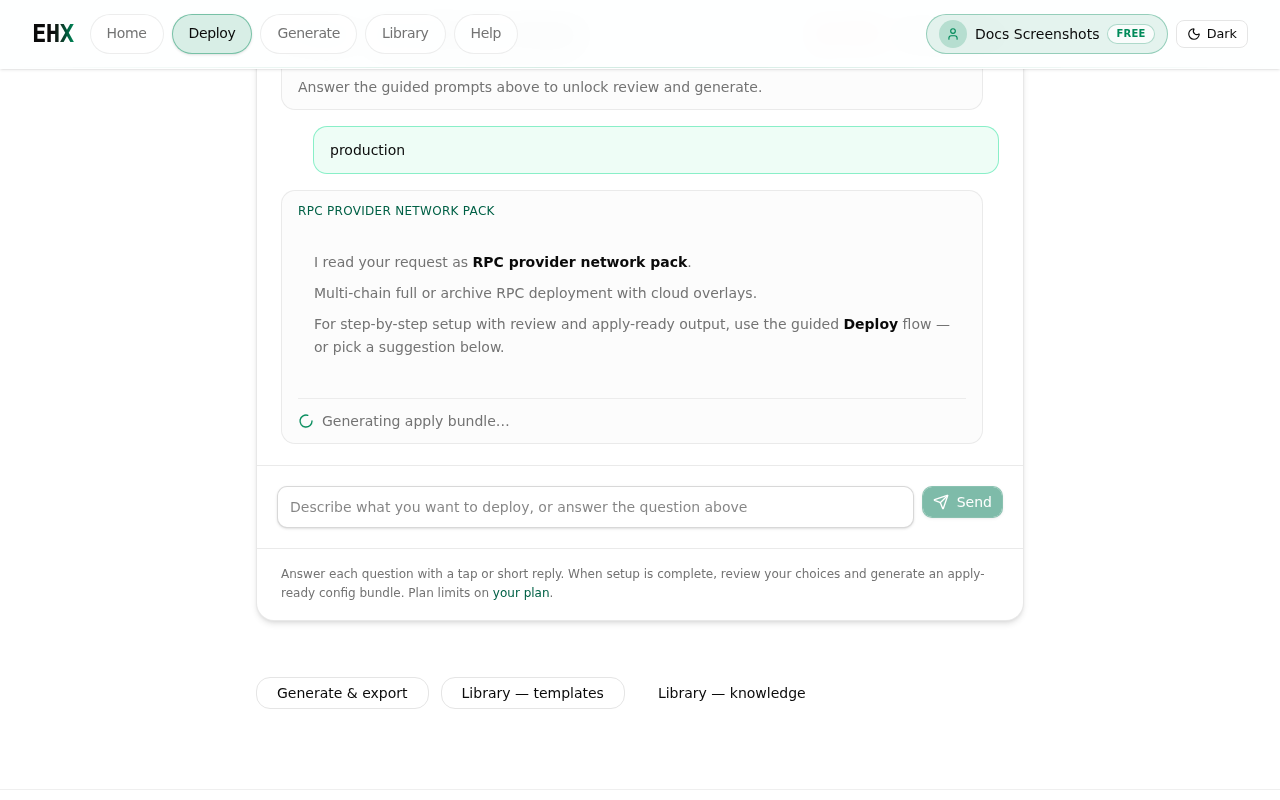
On Free, the review card shows your choices and plan limits before you generate a preview bundle.
What it does
- Project-first: New conversations ask you to name or pick a project before chatting. Exports attach to that project automatically.
- Outcome wizard: After the project step, choose what you are building from tap-to-answer chips — Launch app, Helm chart, RPC node, Validator, LLM inference, or Full stack.
- Wizard progress: Step counter while required inputs are still missing. Helm chart collects chart/release name → namespace → environment values → exposure (Gateway API / Ingress / none). Full stack asks environment and cloud, then Include/Skip chips for Launch, NodeOps, Secure, and Monitor; RPC network/mode only when NodeOps is included.
- Review before generate: After all slots are filled, confirm variables on a review card (Full stack also shows per-layer readiness), then generate.
- Tier preview: On Free, Team+ packs still generate a preview (truncated files). Upgrade to download full JSON/ZIP; a free alternative path is offered when available.
- Apply-ready gate: ZIP download is blocked until validation passes and required guided inputs are complete. The bundle shows a deploy readiness score. Full-stack ZIPs include
README-APPLY.mdwith a Layers section (enabled suites + “enable next” links for skipped ones). - Detects intent and suggests next steps (templates, modules, generate, KB articles).
- Pack preview: Open any file in a bundle in a focused reader modal.
Sign-in: Required on production when auth-required mode is on. You are redirected to login with a return path back to chat.
Limits
- Free tier: Cloudflare Turnstile when enabled — only after unusual activity, not every message. Trusted for 24h per browser and fixed IP after one pass. See Captcha.
- Quotas appear under Plan & usage when meters are exposed.
- Behavior is catalog- and rules-driven in this preview phase (not a general-purpose external LLM on every turn).
Tips
- After naming a project, tap an outcome chip — guided slots follow on the next turn.
- Be specific: environment (cloud, chain), scale, and compliance needs.
- Follow links to Generate or Templates when the assistant proposes a pack.
- Cross-check answers in Knowledge base for operational practices.
Generate & export
URL: ehxlabs.xyz/generate
What it does
- Renders templates and composable modules with your variables.
- Produces downloadable files for your repositories.
- Validation panel: Plain-language notes when schema or policy checks fail (not only raw error codes).
- Cost estimate: Rough monthly hint when the pack exposes pricing metadata.
- Variables summary: Confirms which inputs were applied before download.
Sign-in: Same as chat—login required when auth-required is enabled.
Typical workflow
- Pick a template family from chat or open Templates.
- Open generate (from chat CTA or directly).
- Fill variables (cluster name, region, image tags, etc.).
- Download the rendered bundle.
- Recent exports may appear on Account when the dashboard API returns them.
Chat ↔ generate ↔ library
| From | To |
|---|---|
| Chat suggestion | Generate with pre-filled context |
| Generate output | Your git repo (manual commit/deploy) |
| Saved architectures | Library — architectures, templates, modules tabs |
| Project exports | Account → Activity when a project is selected |
When something fails
| Symptom | Try |
|---|---|
| Redirect to login | Sign in at account/login, then retry |
| Empty or error response | Check status; see KB site & API health |
| Quota message | Open plan & usage; upgrade via pricing |
| Preview only / export locked | Upgrade plan or use the suggested free alternative from the review or bundle screen |
| ZIP blocked / not apply-ready | Fix validation errors or finish guided chips; check deploy readiness on the bundle card |